
Mission building shouldn’t feel like jumping between tools, saves, and tabs just to understand what happened. In this release, Mission Studio brings the full Create → Build → Execute → Analyze workflow into a single workspace. You can design a mission, test it in realistic environments, and understand what actually happened — without manual saves or app reloads interrupting the flow. This release is about continuity: fewer interruptions, clearer feedback, and faster iteration for mission planners.
What's better for mission planners?
1️⃣ Context switching → One unified workspace
Mission Studio now runs as one continuous experience. No more bouncing between tools just to move a mission forward.
2️⃣ Manual saves → Work that saves itself
Missions now auto-save to the cloud as you work. Things save automatically as you work. You can leave, come back on another device, and continue where you stopped. No version juggling, no “which file is the latest?” moments. Step away, switch devices, come back later - your mission is already there.
3️⃣ “What did the drone just do?” → Visible behavior
During simulation, flight paths are no longer a black box. You can watch obstacle avoidance behavior as it happens, tune the settings, and see exactly how the drone reacts before anything ever flies for real.
4️⃣ Slow iteration → Loop and learn
For stress-testing and edge cases, missions can now loop automatically. Let them run, restart, and run again while you focus on what’s breaking (or surprisingly not).
5️⃣ Guesswork after runs → Clear post-mission data
After each run, you’ll get a structured JSON report describing what happened during execution. It’s there to help you validate behavior, spot issues, and debug with less guesswork and fewer replays, making validation and debugging much easier.
6️⃣ One environment → Realistic scenarios
And because context matters, we’ve added new simulation environments — from open agricultural fields to tight tunnels, indoor living spaces with human movement, and multi-level factory layouts. Different spaces, different problems, same mission logic. Test missions across new simulation environments:
- Agriculture field (open terrain, variable obstacles)
- Tunnel (confined, GPS-denied)
- Living room (with human presence)
- Two-story factory (complex vertical navigation)
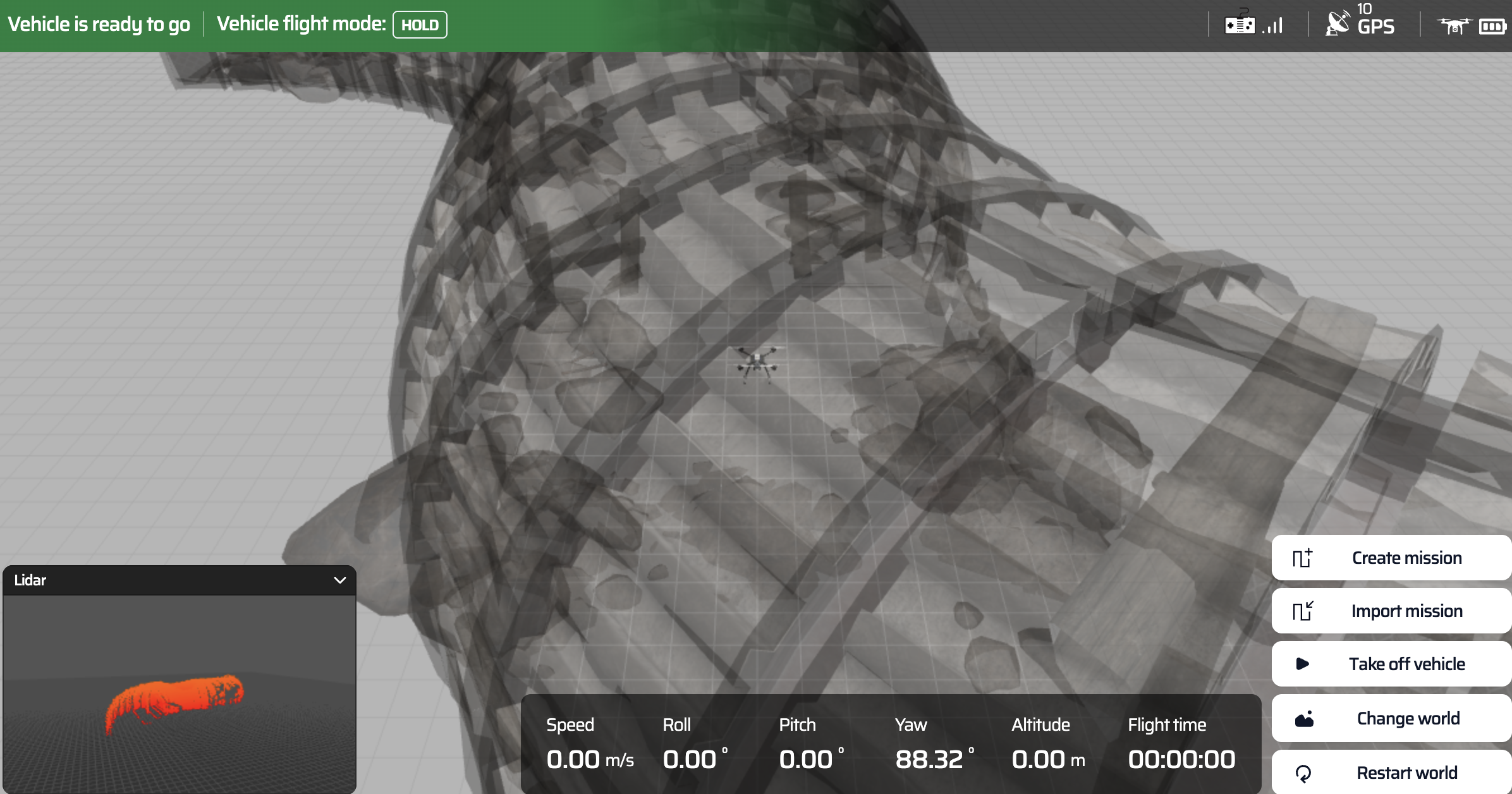
Tunnel
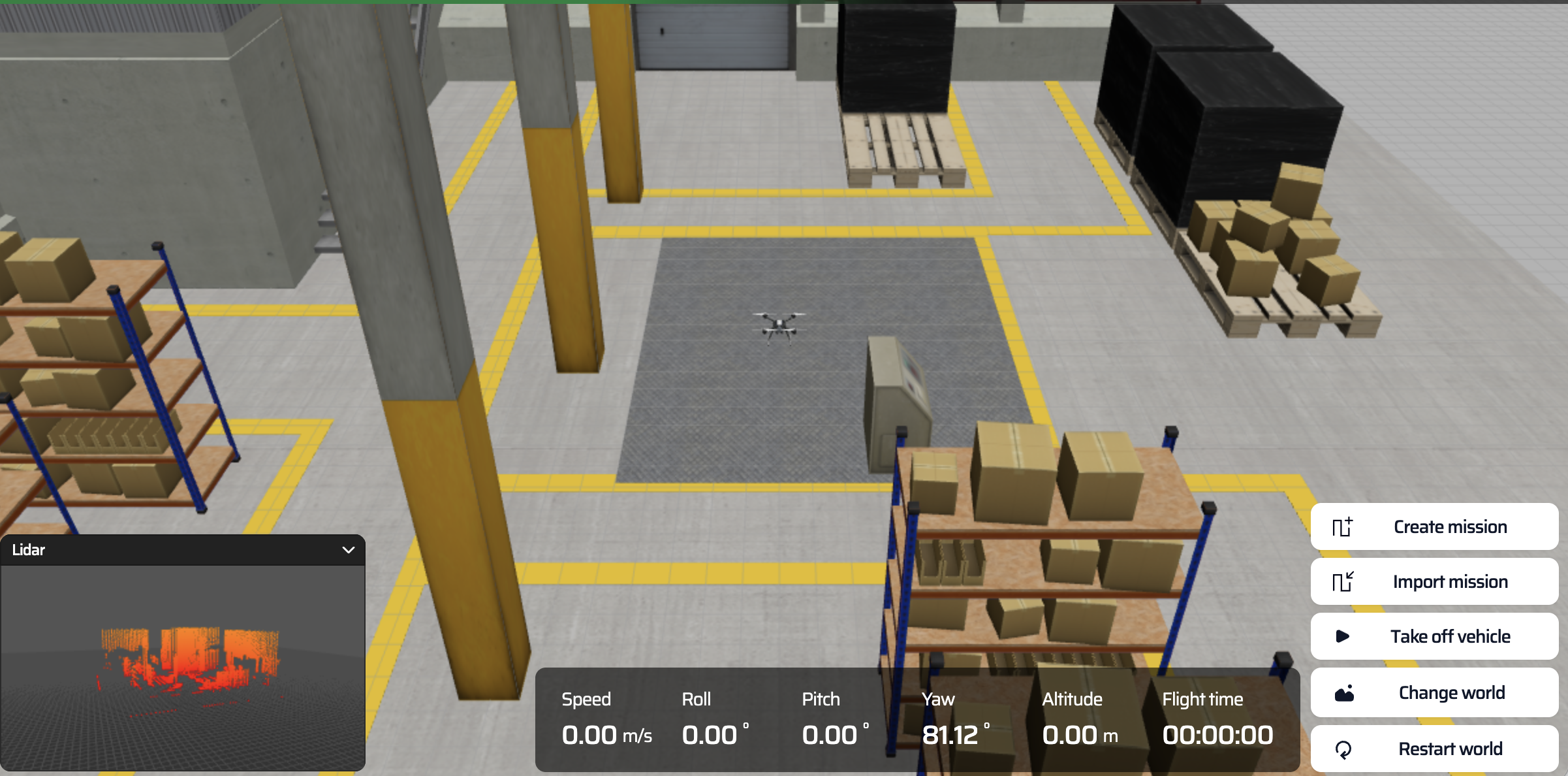
Warehouse
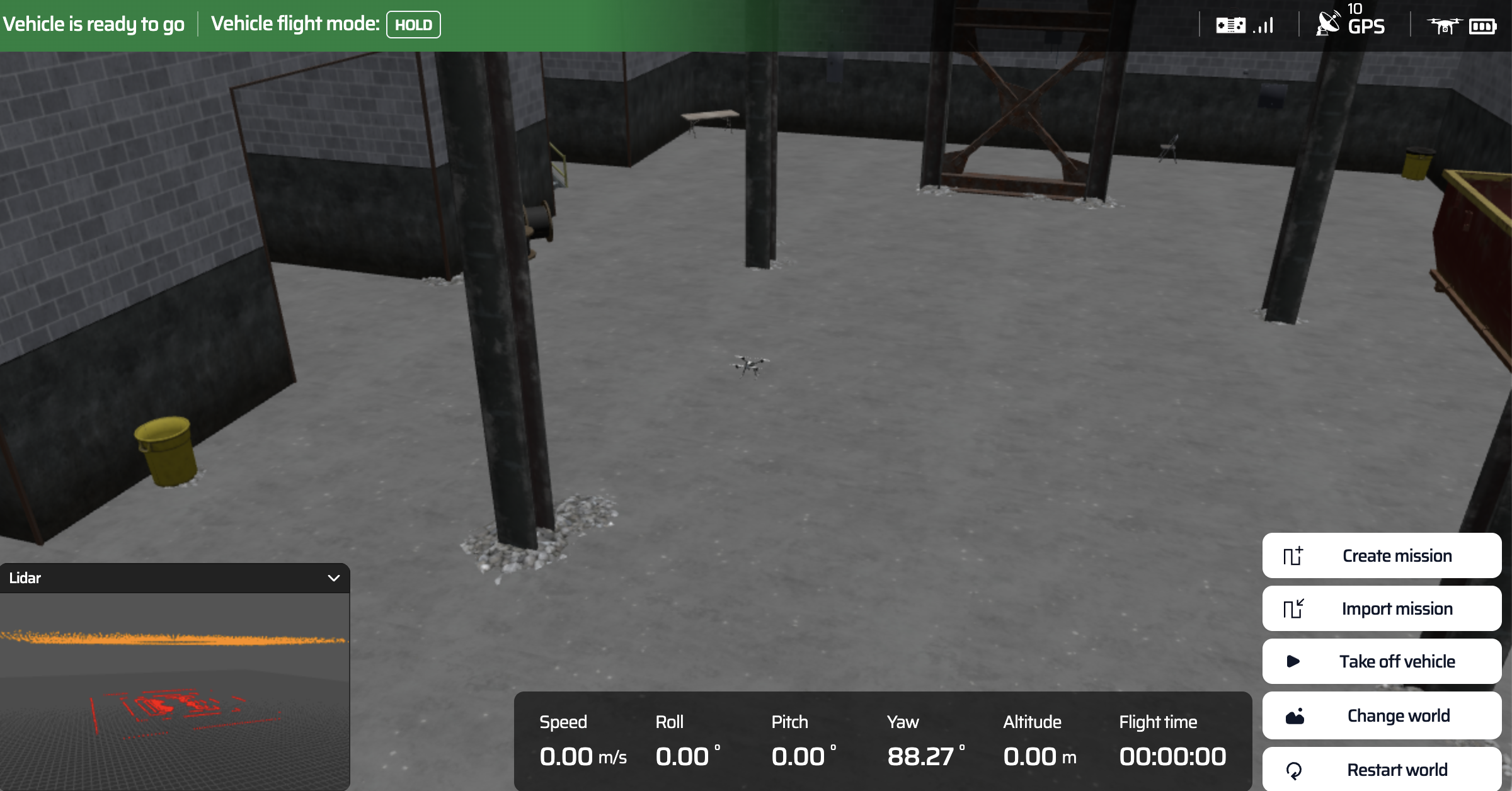
Factory
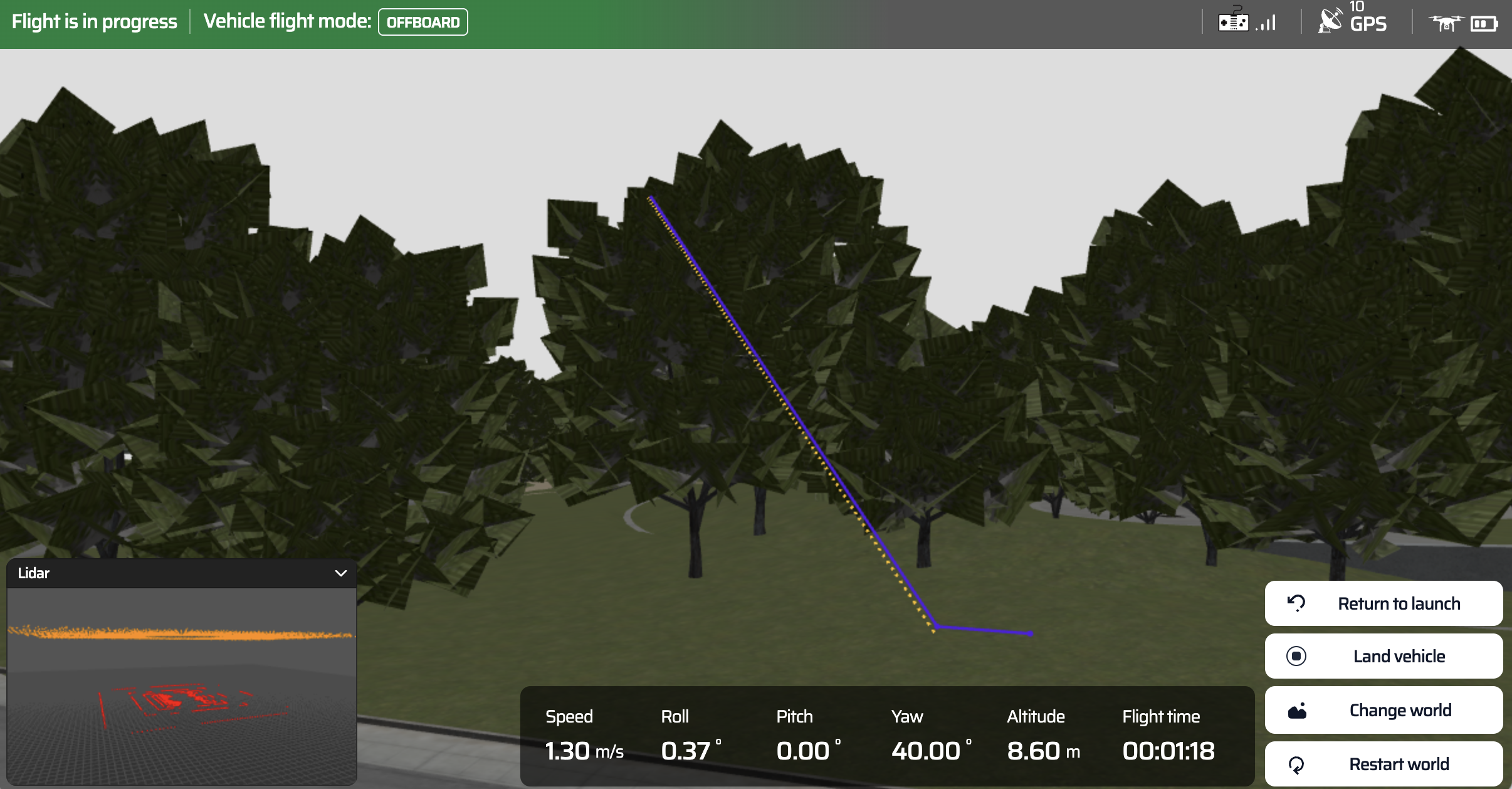
Bayland
This release isn’t about doing more things. It’s about letting you stay in the flow long enough to understand your mission.
This update helps you:
- Stay in one workspace longer
- Understand drone behavior earlier
- Iterate faster with fewer interruptions
- Debug with clearer data
👉 Try it out
- Open Mission Studio and run a mission end-to-end at SkyTrack platform
- If something feels unclear or breaks your flow, drop feedback in Discord