
This update focuses on something simple but important: helping you understand what actually happened after a mission runs.
Behind the scenes, we’ve made several engineering improvements to make the platform faster, more stable, and more secure. On the surface, you’ll notice clearer mission status updates, better simulation feedback, and a handful of interface fixes that make everyday workflows a little smoother.
Nothing flashy just a lot fewer “wait… what happened?” moments.
Mission execution insights
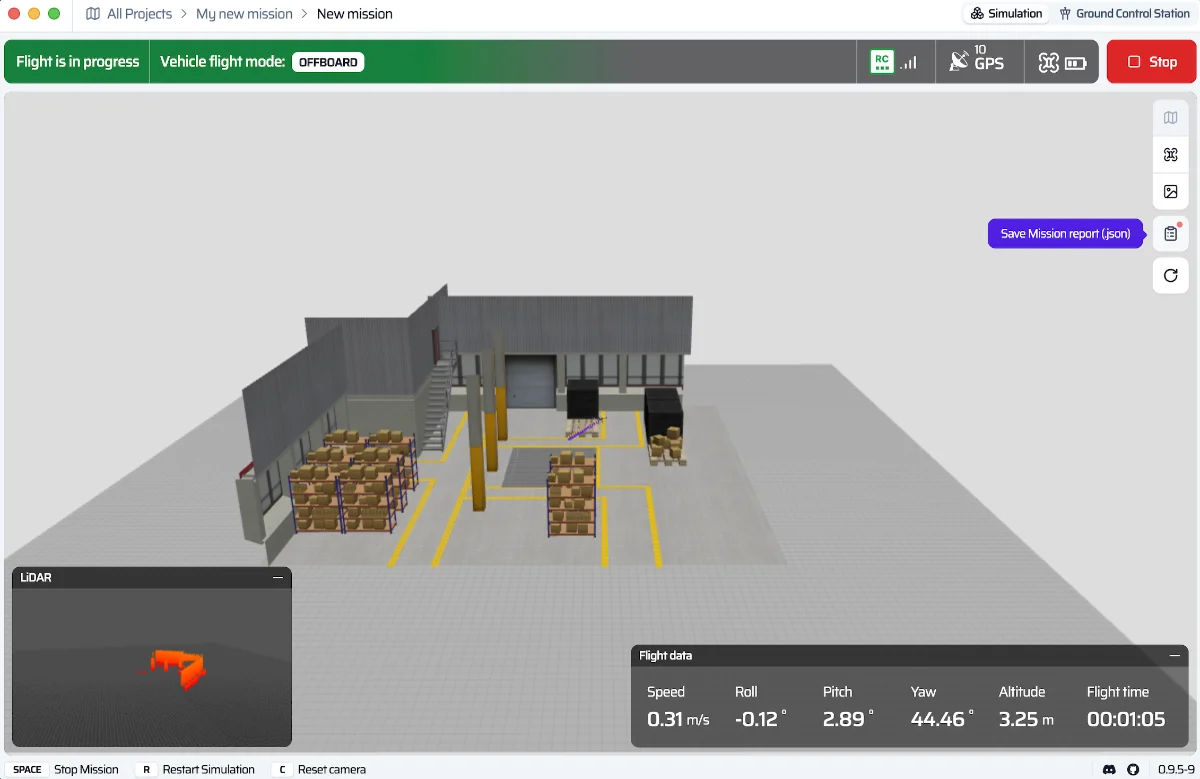
SkyTrack now keeps a clearer record of how your missions perform. Instead of guessing whether a run succeeded or failed, you’ll see detailed execution status and statistics directly in the platform.
New in this update
- Mission runs now show clear success / failure status
- Execution statistics are recorded for better insight into flight performance
- Mission outcomes are easier to review and track over time
Laying the groundwork for cloud simulation
We’ve also completed the internal foundation for cloud-based simulation environments.
You won’t see this fully available yet, but it’s an important step toward enabling more scalable mission testing in future releases.
New in this update
- Initial architecture for advanced cloud simulation
- Internal preview environment for testing missions in cloud infrastructure
Think of it as the groundwork for something bigger.
Simulations that explain themselves
Simulations are most useful when they tell you why something failed, not just that it failed, so you know what need to improve for better. We’ve improved how errors are reported so it’s easier to identify the root cause and move forward.
Improvements in this update
- Clear, human-readable error messages for failed simulation runs
- Faster debugging with more informative feedback
Stability improvements under the hood
We’ve continued upgrading the platform’s core flight systems to make SkyTrack run more reliably.
Improvements in this update
- Core flight algorithms moved to a more secure and efficient architecture
- Performance improvements for faster and more stable mission execution
Reliability, security, and UI polish
Finally, we tackled a few issues that could interrupt your workflow, or at least make things slightly annoying.
Fixes in this update
- Fixed a Desktop app restart loop caused by excessive background resource usage
- Resolved a critical security issue affecting login token storage
- Polished several UI details:
- Dialog titles now better match their workflow context
- Long project names display cleanly with “…” truncation
- Added missing validation warnings for invalid project names
Small fixes, but they make everyday use noticeably smoother.
👉 Try it out
- Open Mission Studio and run a mission end-to-end at SkyTrack platform
- If something feels unclear or breaks your flow, drop feedback in Discord