

This release makes mission building faster, more flexible, and more powerful. SkyTrack version 1.1.3 provides with Python Code Mode for advanced users, new explicit mission actions, camera capture in simulation, a 20-template library, GLB world import, and a round of desktop experience improvements that reduce friction across the board.
Build missions your way with Python Code Mode
The Code tab now supports Python. Switch to Python mode, write custom flight logic using the Python SDK, or upload a .py script directly — then run it in simulation. This opens the door to algorithmic path planning, adaptive behaviors, and custom drone skills that go beyond what the visual mission designer supports. Built for teams who need programmatic control over mission logic.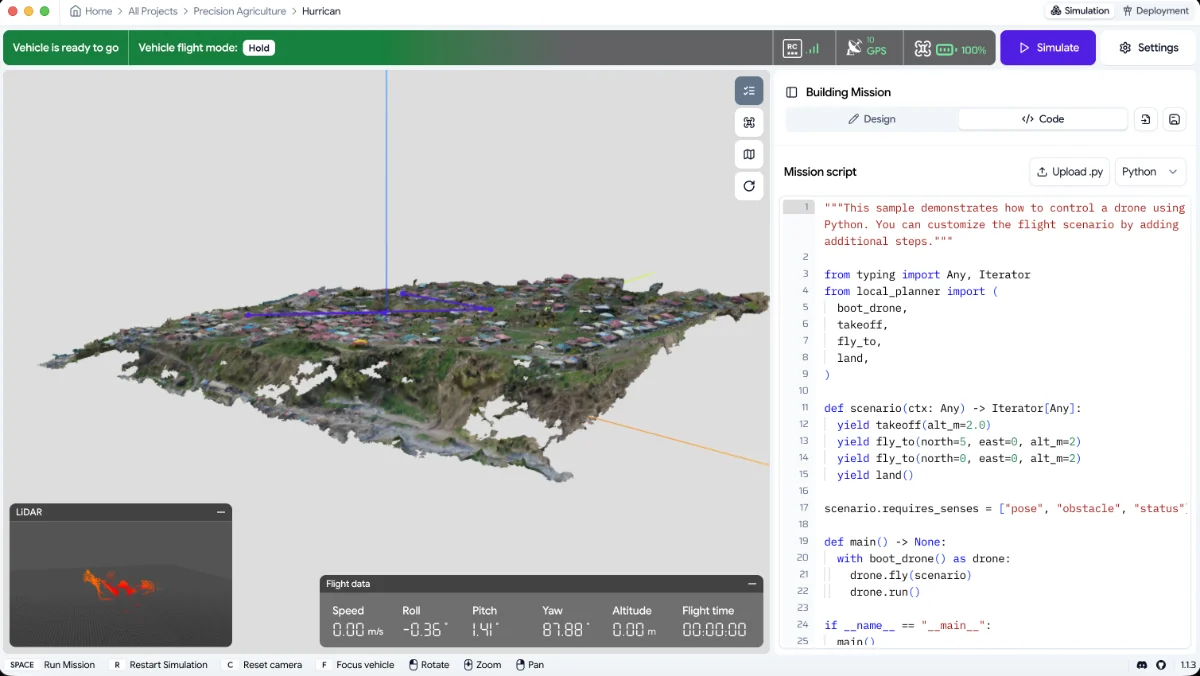
More flexible mission design
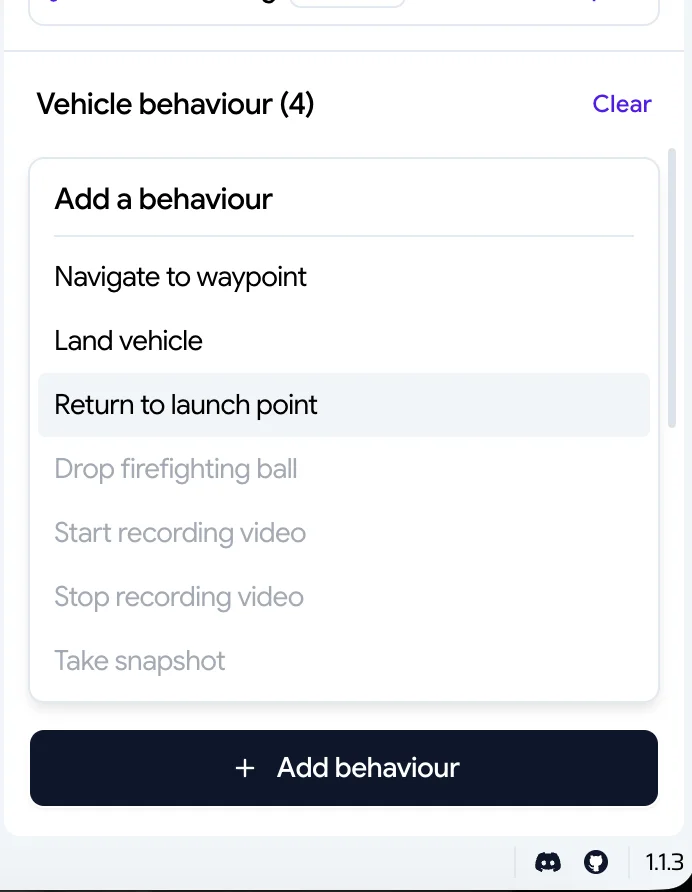
Return to Launch and Land Vehicle are now explicit actions you place directly in your mission sequence, giving you clear, per-mission control over what the drone does after completing its waypoints. Previously this relied on a hidden global setting — now it's visible, intentional, and configurable per mission.
Capture video and snapshots during simulation
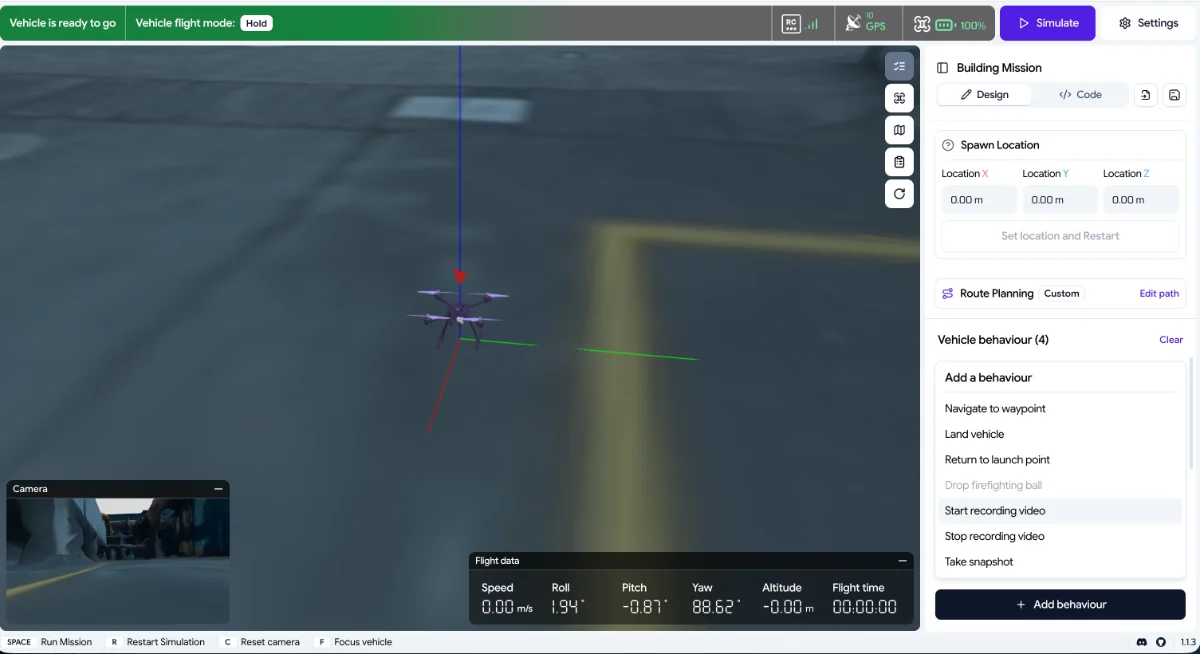
New Record Video and Take Snapshot actions let you capture simulated camera footage and still images at specific points in a mission. Useful for validating camera angles before deployment, building demo reels, or reviewing inspection runs frame by frame. Recorded video saves to the ~/SkyTrack/ClientData/prj-{project number} folder and will be included in mission reports in a future update.
20 ready-to-use mission templates
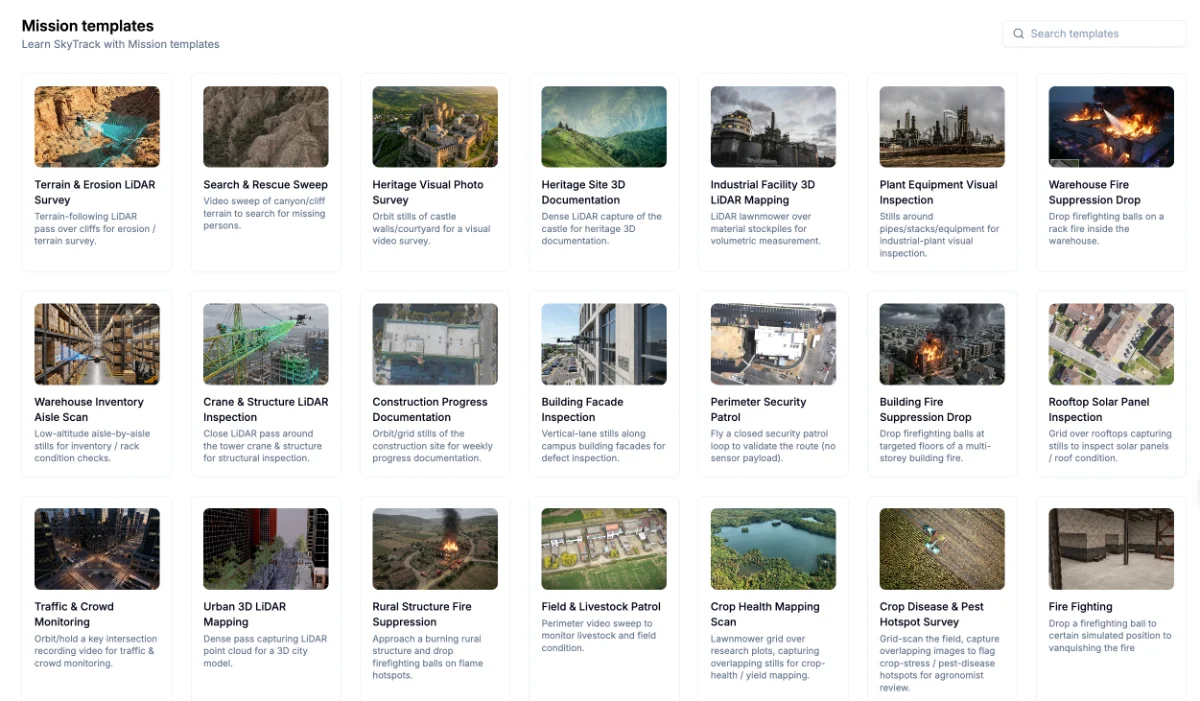
The template library has expanded significantly : spanning agriculture, industrial inspection, fire suppression, heritage documentation, search and rescue, and more. Start from a template and adapt it to your operation, instead of building every mission from scratch.
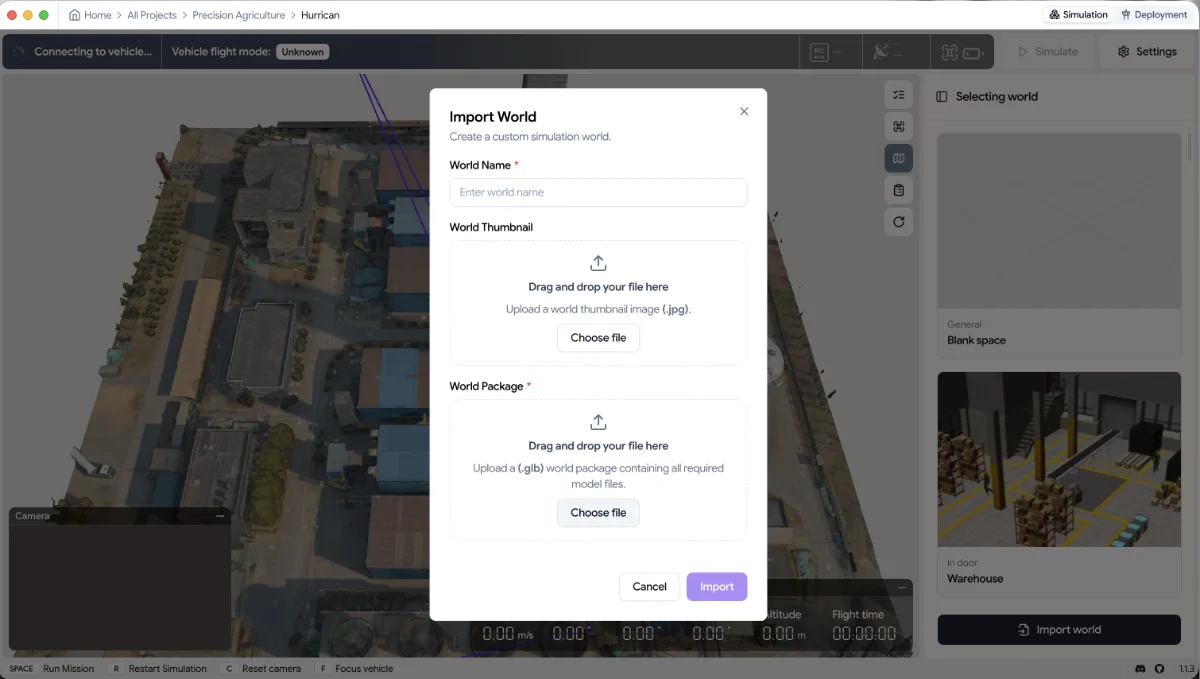
Import worlds with GLB files
World import now supports GLB files, giving teams more flexibility to bring their own 3D environments into SkyTrack. Test missions in realistic spaces that reflect your actual operating environment, not just built-in defaults. You can find the tutorial in this video
Join the community from inside SkyTrack
You can join SkyTrack community directly from Home dashboard and during simulation setup, to connect with other builders for help, shared templates, and ideas.

Faster simulation startup
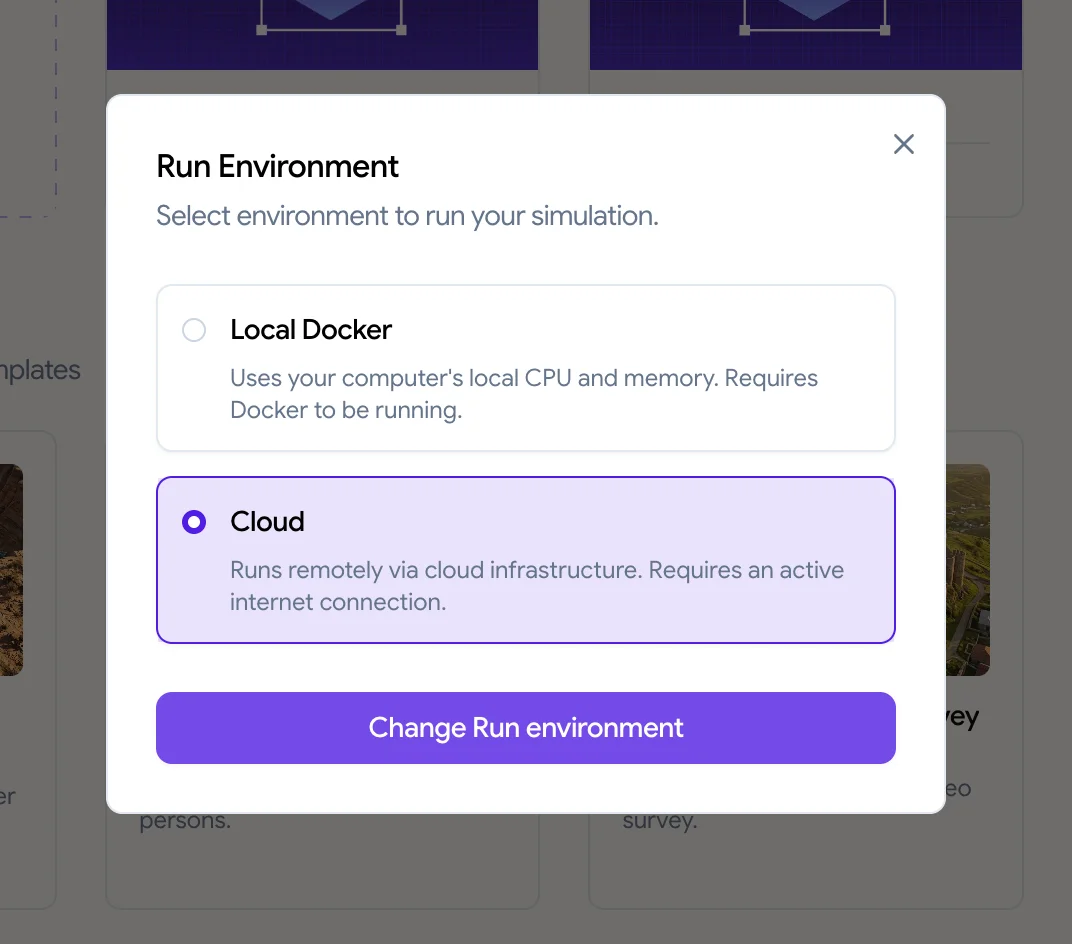
Vehicle connection time when switching drone models in large worlds has been reduced, keeping you in flow during the simulate-test loop. Large world imports still have inherent performance limits — if you're hitting those regularly, Cloud Simulation early access is worth requesting.
Smoother, hands-free desktop updates
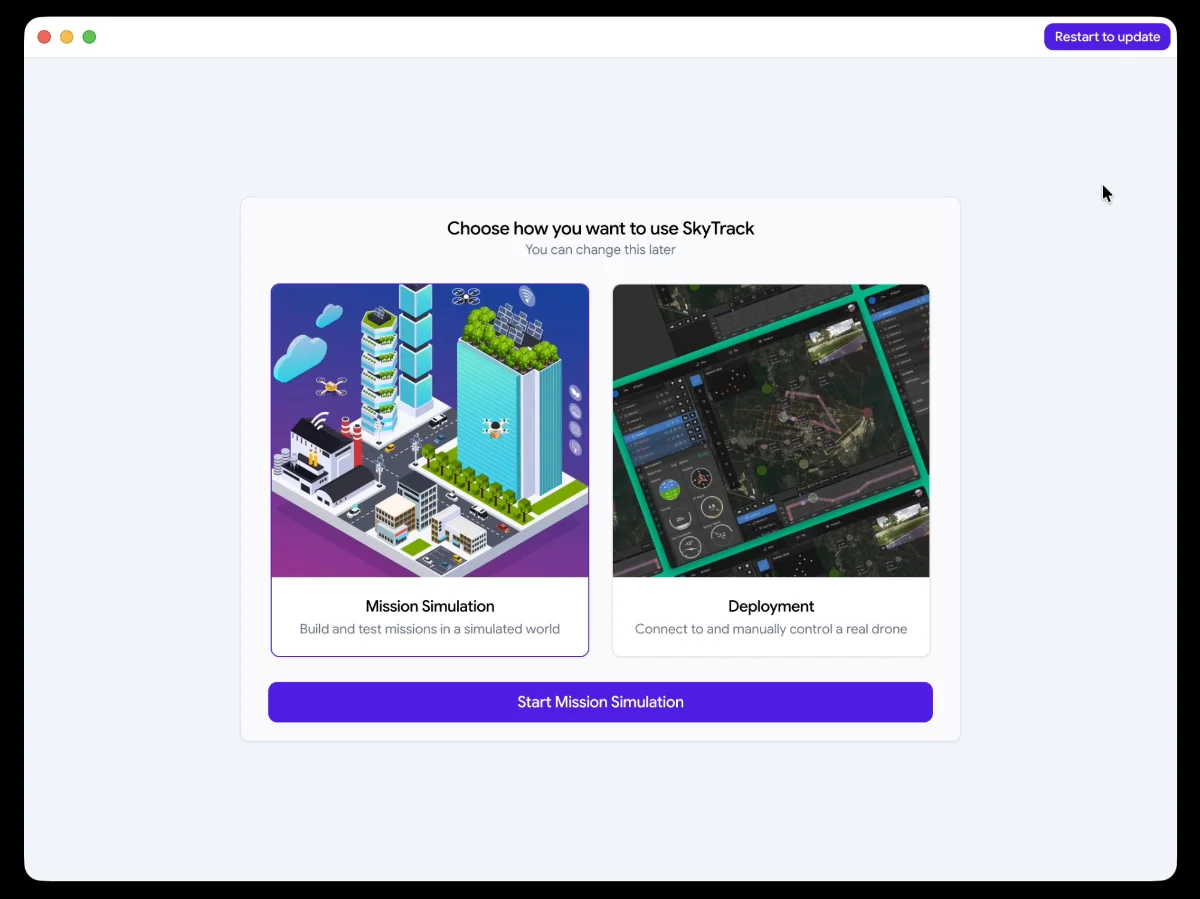
SkyTrack Desktop now downloads updates silently in the background. When a new version is ready, a Restart to update button appears at the top right of the screen. One click installs immediately — no manual downloads, no interruptions to your current session.
Improvements and fixes
Aparting from significant new features in this version, SkyTrack also focus on upgrading builders' experience.
- Sign-in is more reliable across the platform
- Mission reports now populate correctly after a run completes
- Take Snapshot actions dispatched from the Code tab no longer get silently dropped
- Use Template now applies the correct spawn location instead of defaulting to world origin.
- World load errors surface clearer messages,
- Python mode shows clean script errors without raw internal paths, the mission API now correctly rejects invalid payloads
Some notes for SkyTrack builders
- Cloud Sim may occasionally experience slowness or disconnections. You can report in #product_feedback
- Very long missions with many waypoints may fail if the drone runs out of battery, please remember to check on your drone's battery
Now it's time for your to experience all of the above at SkyTrack platform
Share your experience withwith SkyTrack community in SkyTrack Discord